

Package overview on the booking page
This entry point is reached through the regular ticket booking flow.
Participants can request invitation letters directly in the event frontend. The entry points are the package overview on the booking page, which is reached through the regular ticket booking flow, and the invoice/payment overview.
The screenshots show the two entry points. The request works the same way for both letter types: start from the package overview on the booking page or from the invoice/payment overview.
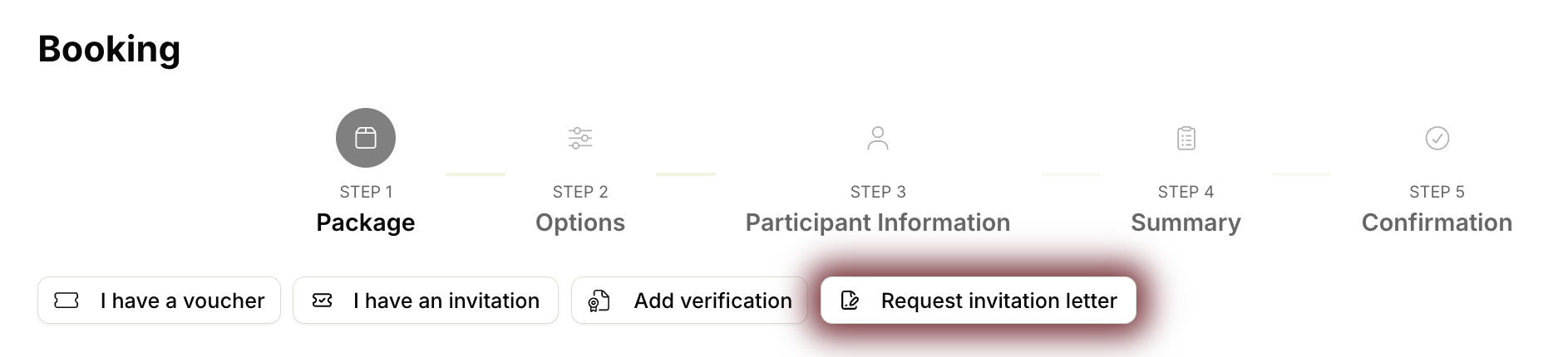

This entry point is reached through the regular ticket booking flow.
The invoice and payment overview also leads to the request for the matching letter.
This letter type supports administrative proof for an institution or company. Before generation, the system shows the requirements relevant to this letter type.
The page shows which requirements must be met for this letter type.
If something is missing, the system guides users to the appropriate next step.
This letter type is intended for visa applications. Depending on the event, generation can depend on requirements such as an on-site booking, paid invoices, a confirmed contribution, or passport/ID data.
The system checks the booking and payment information required for the visa application.
If passport or ID data is missing, adding these details is offered as the next step.
Before a letter can be generated, the page shows the requirements for the selected letter type. If something is missing, users are guided to the next step, for example booking a ticket or adding their passport details.
Some letters require a booking for on-site participation.
Depending on the letter type, relevant invoices must be paid.
For some events, a confirmed contribution can be required.
Visa letters can require complete passport or ID data.
Users select the recipient role and address from their profile. If another organization or role is needed, they can update their profile and return to continue. Once generated, the PDF is shown and sent by email. Already issued letters remain available and cannot be generated again from the frontend.
The recipient role is selected from the roles stored in the user profile.
The address is also taken from the user profile.
For another organization or role, users can update their profile and then continue the request.
The generated PDF is shown, sent by email and remains available.